

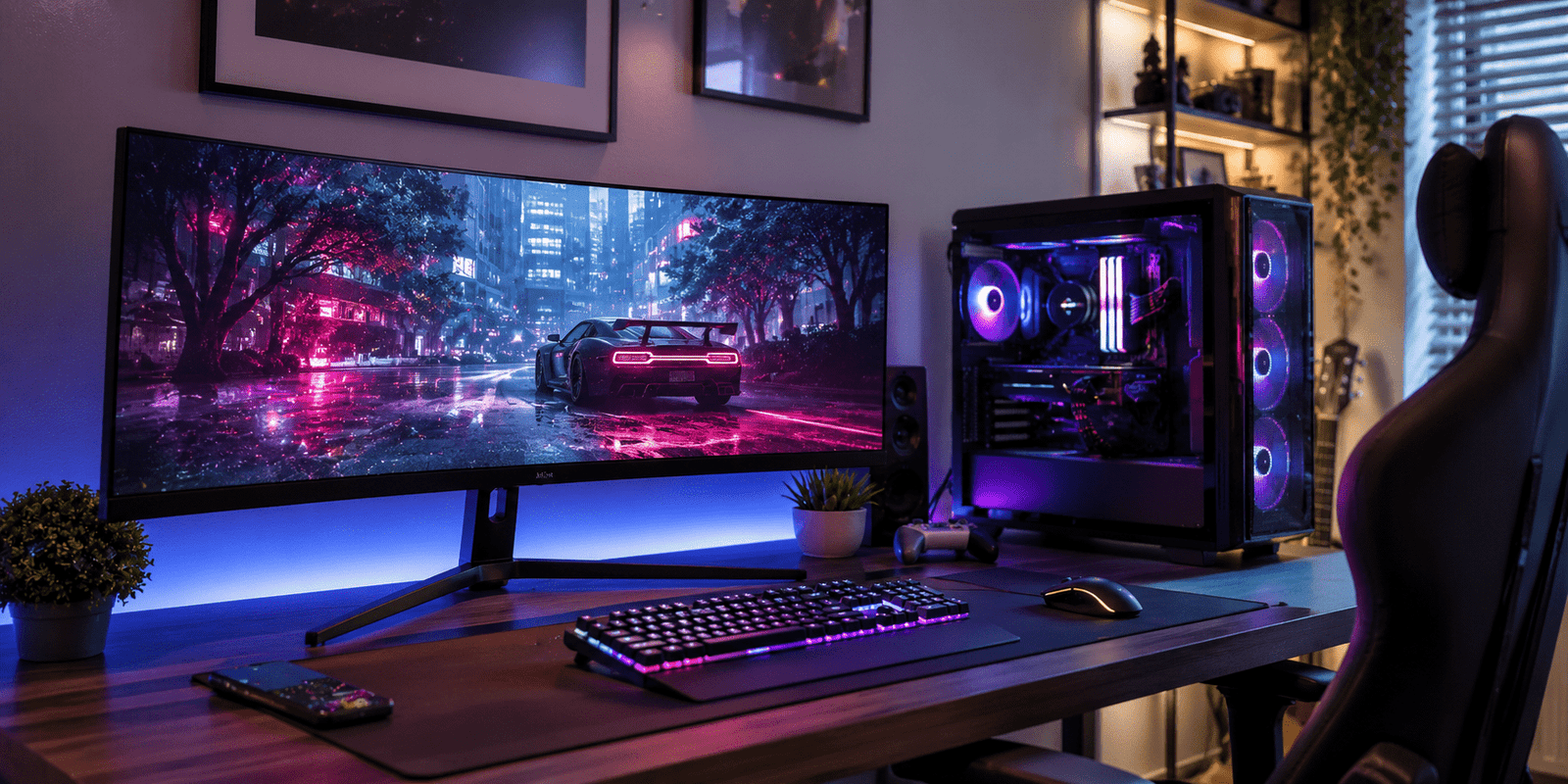
Gaming monitor technology has improved rapidly in recent years, making gameplay smoother, sharper, and more immersive than ever before. Whether you enjoy competitive esports titles or story-driven adventure games, choosing the right display can completely change your gaming experience.
Many gamers focus only on graphics cards or processors, but the monitor is equally important. A high-quality screen improves motion clarity, reduces lag, and delivers better color accuracy. Therefore, understanding the key features of a gaming monitor helps you make a smarter investment.
Why a Gaming Monitor Matters
A regular office monitor may display games, but it cannot provide the smooth performance required for modern gaming. A dedicated gaming monitor is designed to handle fast-moving visuals with minimal delay and better synchronization.
For example, in multiplayer games like racing or shooting titles, even a slight delay can affect reaction time. In addition, gaming displays often include technologies like adaptive sync, HDR support, and higher refresh rates that improve visual performance.
Professional gamers usually prefer monitors with high refresh rates because they provide smoother movement and more responsive gameplay. Casual gamers also benefit from better picture quality and reduced screen tearing.
Important Features to Check
Refresh Rate
Refresh rate refers to how many times the monitor updates the image every second. Standard monitors usually operate at 60Hz, while gaming displays can go up to 144Hz, 240Hz, or even higher.
Higher refresh rates create smoother motion, especially during fast gameplay. As a result, competitive gamers often prefer 144Hz or 240Hz displays for improved responsiveness.
Response Time
Response time measures how quickly pixels change colors. Lower response times reduce ghosting and motion blur during fast scenes.
A response time of 1ms or 2ms is generally ideal for gaming. However, modern IPS and OLED panels also provide excellent performance with slightly higher response times.
| Feature | Recommended for Casual Gaming | Recommended for Competitive Gaming |
|---|---|---|
| Refresh Rate | 75Hz–144Hz | 144Hz–240Hz |
| Response Time | 3ms–5ms | 1ms–2ms |
| Resolution | 1080p | 1440p |
| Panel Type | IPS or VA | IPS or OLED |
Choosing the Right Resolution
Resolution determines the sharpness and detail of the image. Higher resolutions produce clearer visuals, but they also require more powerful hardware.
1080p Gaming
Full HD monitors are still popular because they are affordable and easy to run on mid-range gaming systems. They are ideal for esports players who prioritize performance over visual detail.
1440p Gaming
1440p displays offer a balance between image quality and gaming performance. Many gamers consider this the sweet spot for modern PC gaming.
4K Gaming
A 4K gaming monitor delivers stunning detail and sharp visuals. However, it requires a powerful graphics card for stable frame rates.
IPS vs VA vs OLED Panels
Panel technology affects color quality, contrast, and viewing angles. Each panel type has strengths and weaknesses.
IPS Panels
IPS displays provide accurate colors and wide viewing angles. They are excellent for gamers who also create content or edit videos.
VA Panels
VA panels offer deeper blacks and stronger contrast levels. These monitors work well for cinematic gaming experiences.
OLED Panels
OLED gaming displays deliver outstanding contrast, true blacks, and fast response times. Although expensive, they offer one of the best visual experiences available today.
Many premium gaming monitor models now combine OLED technology with high refresh rates for exceptional image quality and responsiveness.
Best Monitor Sizes for Gaming
Choosing the right screen size depends on your gaming style and desk space.
24-Inch Monitors
These monitors are popular among competitive players because they keep all action within easy viewing distance.
27-Inch Monitors
A 27-inch gaming monitor is one of the most balanced options for modern gaming. It provides immersive visuals without requiring excessive desk space.
Ultra-Wide Displays
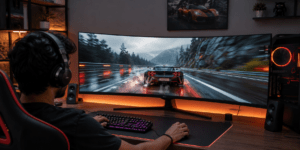
Ultra-wide screens create a cinematic gaming experience and improve immersion in racing and adventure games. However, they may require stronger hardware.
Larger screens are excellent for story-driven titles, while smaller displays often work better for competitive gaming.
Connectivity and Extra Features
Modern gaming monitors include several useful features beyond display quality.
Adaptive Sync Technology
Technologies like FreeSync and G-Sync reduce screen tearing and improve gameplay smoothness. They synchronize the monitor refresh rate with the graphics card output.
HDR Support
HDR improves brightness and color contrast, creating more realistic visuals. Games with HDR support appear richer and more dynamic.
HDMI and DisplayPort
Before purchasing a gaming monitor, always check the available ports. DisplayPort is usually preferred for higher refresh rates on PCs, while HDMI works well for consoles.
Ergonomic Design
Adjustable stands improve comfort during long gaming sessions. Some monitors also support wall mounting for cleaner setups.
How to Choose a Gaming Monitor for Your Setup
The best monitor depends on your budget, gaming preferences, and hardware.
If you mainly play esports games, prioritize refresh rate and response time. On the other hand, if you enjoy visually rich games, focus on color accuracy and resolution.
Console gamers should look for HDMI 2.1 support for smooth next-generation gaming. PC gamers may benefit more from adaptive sync and higher refresh rates.
It is also important to match your monitor with your graphics card performance. Buying a 4K display without a powerful GPU may not deliver the desired experience.
Final Thoughts
A gaming monitor is more than just a screen. It directly affects gameplay smoothness, image clarity, and overall immersion. Choosing the right display can improve both casual and competitive gaming experiences.
Before purchasing, compare refresh rate, resolution, panel technology, and connectivity options carefully. In addition, consider your gaming habits and hardware capabilities to find the perfect match.
As gaming technology continues to evolve in 2026, investing in a quality gaming monitor can help you enjoy smoother gameplay, sharper visuals, and a more engaging setup for years to come.