

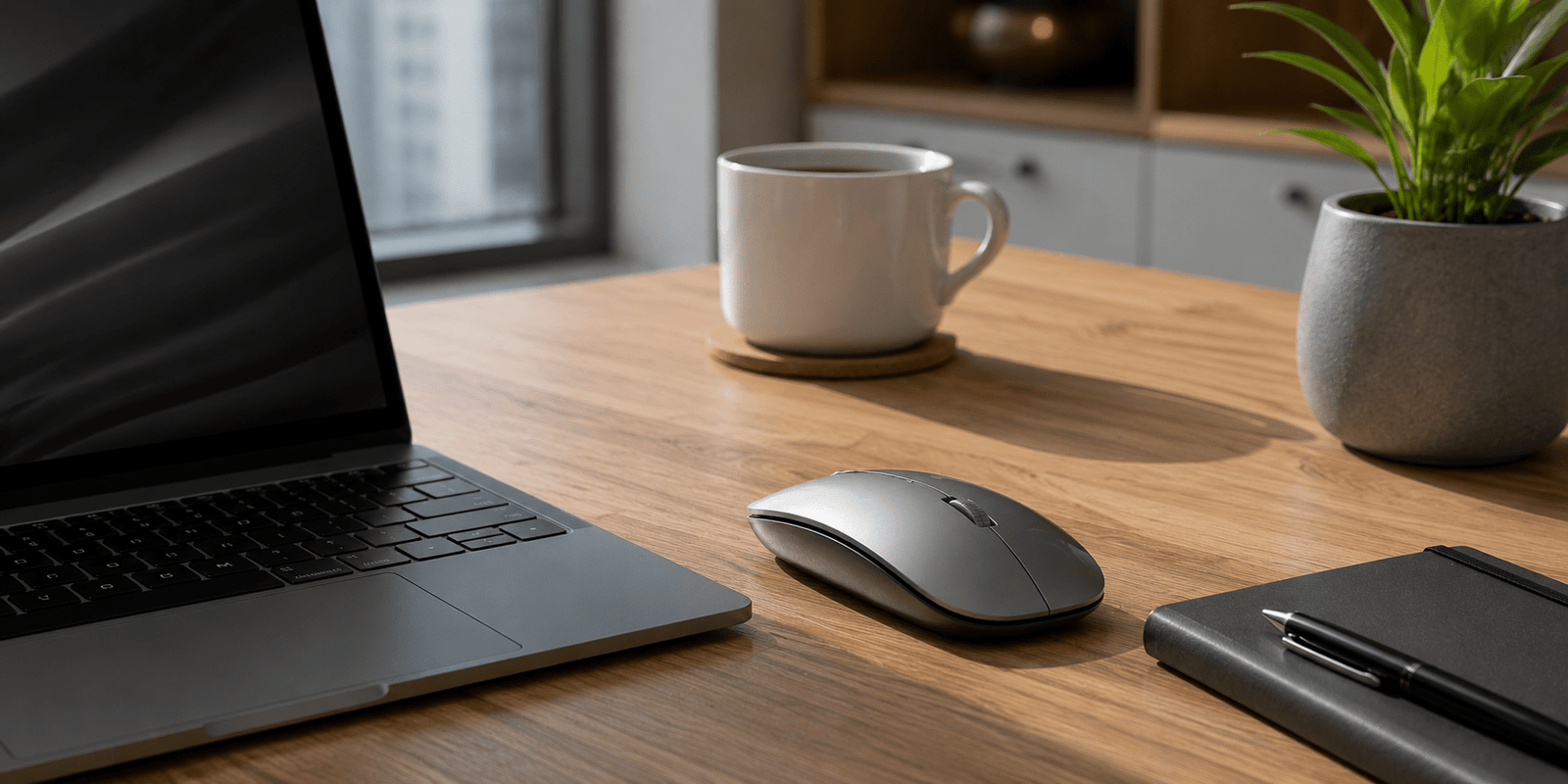
Wireless mouse devices have become an essential part of modern workspaces. Whether you work from home, edit videos, attend online classes, or play games, the right mouse can improve comfort and productivity significantly.
Unlike traditional wired devices, wireless models offer more flexibility and reduce desk clutter. Moreover, modern options now come with better battery life, ergonomic designs, silent clicks, and faster connectivity. As a result, choosing the right device is easier than ever.
However, not every model suits every user. Some people need precision for gaming, while others want comfort for long office hours. Therefore, understanding the features before buying can save both money and frustration.
1. Why a Wireless Mouse Is Worth Buying
A wireless mouse gives users freedom of movement without tangled cables. This simple advantage creates a cleaner and more organized workspace. In addition, modern wireless technology has become highly reliable with minimal lag.
Many professionals now prefer wireless accessories because they improve mobility. For example, remote workers often switch between desks, meetings, and travel setups. A compact wireless device makes this process convenient.
Battery performance has also improved greatly. Some premium models can last several months on a single charge. Furthermore, rechargeable versions reduce the need for disposable batteries.
Another major advantage is comfort. Ergonomic designs help reduce wrist strain during long working sessions. This becomes especially important for designers, developers, writers, and gamers.

2. Important Features to Check
Before purchasing a wireless mouse, it is important to compare essential features. Not every model offers the same performance or comfort.
Connectivity Options
Most devices use either Bluetooth or a USB receiver. Bluetooth models are useful because they connect directly without occupying USB ports. On the other hand, USB receiver models often provide more stable connectivity.
DPI Sensitivity
DPI determines cursor speed and precision. Higher DPI settings are useful for gaming and design tasks. Meanwhile, regular office work usually works well with moderate DPI levels.
Ergonomic Design
Comfort should never be ignored. A poorly designed mouse can cause hand fatigue after long hours. Therefore, ergonomic shapes with proper palm support are highly recommended.
Battery Life
Battery performance directly affects convenience. Rechargeable devices are environmentally friendly, while battery-powered models may last longer between charges.
Silent Click Technology
Many office users now prefer silent click models. These reduce noise during meetings, library sessions, or late-night work.
3. Different Types of Wireless Mouse Devices
There are several categories available today, and each serves different needs.
Ergonomic Wireless Mouse
These are designed for long-term comfort. They usually feature curved shapes that support natural hand posture.
Gaming Wireless Mouse
Gaming models focus on speed and accuracy. They often include customizable buttons, RGB lighting, and ultra-fast response times.
Compact Travel Mouse
Travel-friendly options are lightweight and portable. They fit easily inside laptop bags and are perfect for professionals on the move.
Productivity-Focused Mouse
These devices are built for multitasking. Many include programmable buttons for shortcuts, productivity apps, and workflow management.

4. Wireless Mouse Comparison Table
| Type | Best For | Key Advantage | Average Battery Life |
|---|---|---|---|
| Ergonomic Mouse | Office work | Wrist comfort | 2–6 months |
| Gaming Mouse | Gaming | High precision | 30–80 hours |
| Compact Mouse | Travel | Portability | 1–3 months |
| Productivity Mouse | Multitasking | Extra controls | 2–4 months |
5. Best Uses for Daily Productivity
A wireless mouse can improve efficiency in many daily situations. In fact, small workflow improvements often create major productivity gains over time.
Office Work
Professionals who spend hours managing spreadsheets, emails, and presentations benefit from ergonomic support and smoother navigation.
Graphic Design
Designers require accurate cursor movement. Therefore, high-DPI devices with responsive tracking are ideal for creative work.
Online Learning
Students attending virtual classes need reliable accessories for note-taking, browsing, and project work.
Gaming Sessions
Wireless gaming technology has improved dramatically. Many premium models now deliver near-zero latency, making them competitive with wired alternatives.
Remote Work Setup
A clean desk setup creates a more professional work environment. Wireless accessories help reduce cable clutter and improve organization.

6. Tips to Improve Mouse Performance
Even the best wireless mouse requires proper usage for smooth performance.
Keep the Surface Clean
Dust and uneven surfaces can affect sensor tracking. Using a quality mouse pad improves accuracy.
Charge Regularly
Low battery levels may create lag or delayed response. Rechargeable models should be charged before reaching critical battery levels.
Update Drivers
Some advanced models include software updates for improved performance and customization.
Avoid Signal Interference
Wireless signals may face interference from nearby electronics. Keeping the receiver closer to the device helps maintain stable connectivity.
Use Proper Grip Style
Palm grip, claw grip, and fingertip grip all affect comfort differently. Choosing a mouse that matches your grip style improves control.
7. Common Mistakes Buyers Make
Many users purchase a wireless mouse based only on appearance. However, design alone does not guarantee performance.
One common mistake is ignoring hand size. A mouse that feels too small or too large can become uncomfortable during long sessions.
Another mistake is focusing only on high DPI numbers. Extremely high sensitivity is unnecessary for regular tasks and may reduce control.
Some buyers also ignore battery type. Rechargeable devices may save money in the long run compared to disposable battery models.
Additionally, people sometimes purchase gaming-focused models for office use. While gaming devices offer speed, they may not always provide the best comfort for everyday productivity.

8. Final Thoughts on Choosing the Right Device
Choosing the right wireless mouse depends on your daily needs, comfort preferences, and work style. Some users prioritize portability, while others focus on gaming performance or ergonomic support.
The best approach is to balance comfort, battery life, connectivity, and responsiveness. Moreover, investing in a quality device often improves productivity and reduces hand fatigue over time.
As technology continues to evolve, modern wireless accessories are becoming smarter, lighter, and more efficient. Therefore, selecting the right model today can enhance your overall digital experience for years to come.