

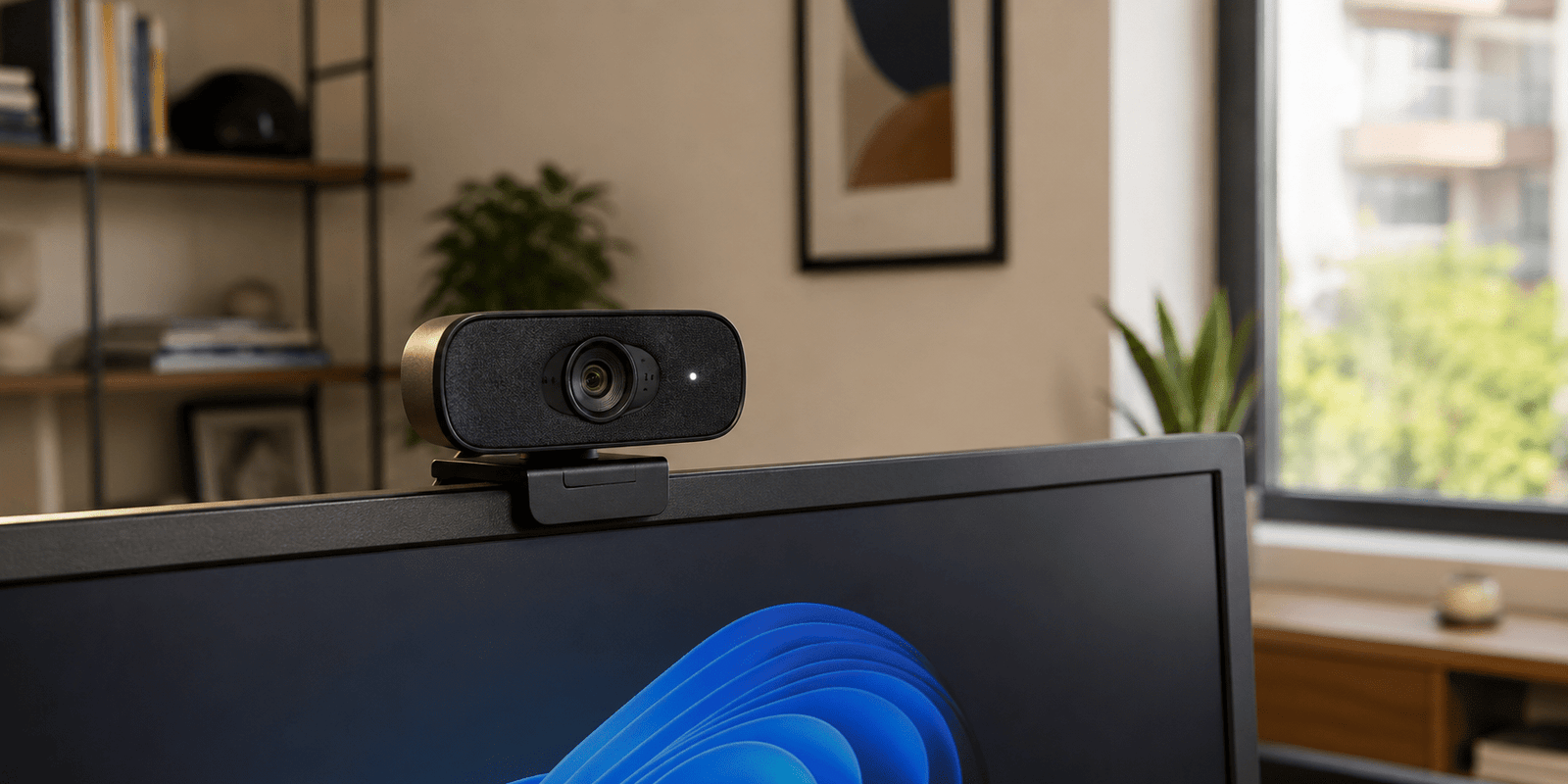
Webcam devices have become an important part of daily communication in both personal and professional environments. Whether you attend virtual meetings, participate in online classes, conduct interviews, or collaborate with remote teams, a reliable webcam can significantly improve your experience.
Today, many computers include built-in cameras. However, external webcams often deliver better image quality, improved audio performance, and additional features that make online interactions more professional. Understanding what to look for can help you choose the right device for your specific needs.
Why a Webcam Matters for Home and Office
A webcam is often the first impression people receive during online communication. Clear video quality helps improve engagement, professionalism, and overall communication effectiveness.
For home users, webcams are useful for staying connected with family and friends. In office environments, they support meetings, presentations, interviews, and team collaboration. As remote and hybrid work models continue to grow, investing in a quality camera setup has become increasingly important.

Key Features to Consider
Video Resolution
Resolution directly affects image clarity. Higher resolutions produce sharper and more detailed video. Most users find Full HD sufficient for daily communication.
Frame Rate
Frame rate determines how smooth video appears. A frame rate of 30 frames per second is suitable for meetings and online classes, while 60 frames per second is preferred for content creation and streaming.
Autofocus
Autofocus keeps your face sharp even when you move. This feature is particularly useful during presentations or active discussions.
Low-Light Performance
Many meetings occur in rooms with limited lighting. A webcam with strong low-light capabilities can maintain image quality without requiring expensive lighting equipment.
Built-In Microphone
Although dedicated microphones provide better sound quality, built-in microphones can be convenient for casual meetings and personal use.
Understanding Webcam Resolutions
Different resolutions serve different purposes. Choosing the right one depends on your activities and budget.
| Resolution | Video Quality | Best For |
|---|---|---|
| 720p HD | Good | Online classes and casual calls |
| 1080p Full HD | Excellent | Business meetings and remote work |
| 1440p QHD | Very High | Professional presentations |
| 4K Ultra HD | Premium | Content creation and professional streaming |
A Full HD webcam remains the most practical option for most home and office users because it offers an excellent balance between quality and affordability.
Webcam Comparison Table
When comparing products, focus on practical requirements rather than simply selecting the highest specifications.
For example, a remote employee attending daily meetings may benefit more from reliable autofocus and microphone quality than from 4K resolution. Similarly, a content creator may prioritize image quality and frame rates.
Before purchasing, consider:
- Daily usage requirements
- Available budget
- Computer compatibility
- Lighting conditions
- Audio requirements
- Mounting flexibility
Best Webcam Types for Different Users
For Remote Workers
Remote professionals should prioritize Full HD resolution, autofocus, and reliable microphones. These features ensure professional-looking video calls and effective communication.
For Students
Students typically benefit from affordable webcams with HD or Full HD resolution. Easy installation and compatibility with learning platforms are important considerations.
For Content Creators
Creators often require advanced image quality, higher frame rates, and superior low-light performance. Additional customization features may also be beneficial.
For Small Businesses
Businesses should focus on reliability, consistent performance, and ease of deployment across multiple workstations.

Setup Tips for Better Video Quality
Even the best webcam cannot perform optimally without proper setup. Fortunately, a few simple adjustments can dramatically improve video quality.
Improve Lighting
Position a light source in front of you rather than behind you. Natural daylight often provides excellent results.
Choose the Right Camera Angle
Place the camera at eye level. This creates a more natural and professional appearance during conversations.
Keep the Background Clean
A clutter-free background helps maintain focus on the speaker and creates a professional impression.
Update Drivers and Software
Manufacturers frequently release updates that improve performance, compatibility, and stability.
Test Before Important Meetings
Always test video and audio settings before presentations, interviews, or client meetings.

Common Mistakes to Avoid
Many users purchase a webcam without considering their actual requirements. This can lead to unnecessary spending or disappointing performance.
Common mistakes include:
- Buying excessive resolution for basic needs
- Ignoring microphone quality
- Overlooking low-light performance
- Using poor camera positioning
- Forgetting software compatibility checks
- Choosing price over reliability
Avoiding these mistakes can help ensure a better long-term experience.

Conclusion
A webcam is an essential tool for modern communication at home and in the workplace. Choosing the right model involves evaluating resolution, frame rate, autofocus capabilities, microphone quality, and lighting performance.
For most users, a Full HD webcam offers the ideal balance of quality, functionality, and value. By understanding your requirements and following proper setup practices, you can enjoy clearer video calls, better collaboration, and a more professional online presence.