

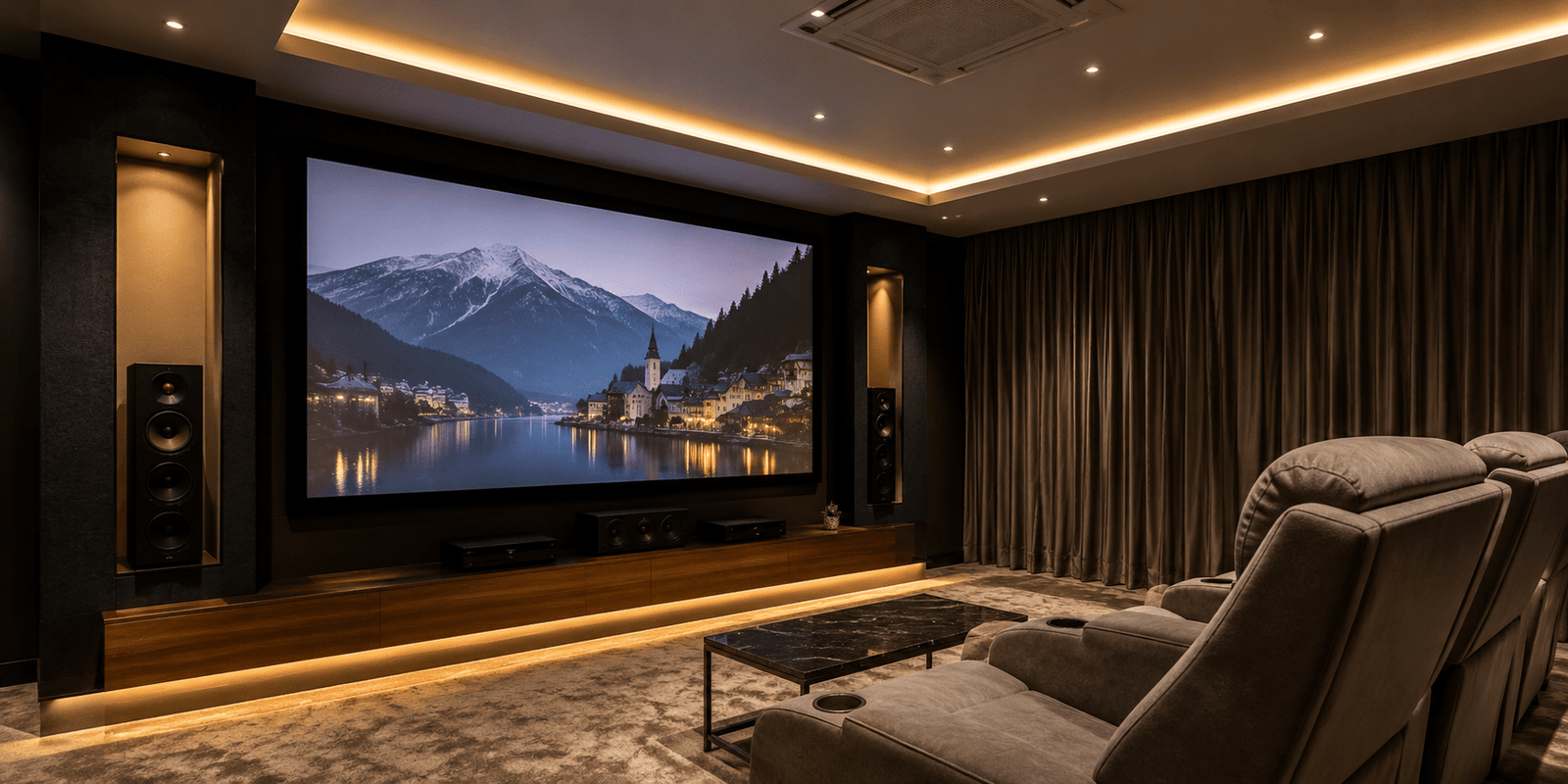
A projector screen plays a crucial role in determining the quality of your viewing experience. While many people focus on buying a high-end projector, the screen itself significantly impacts brightness, color accuracy, contrast, and image clarity.
Whether you are building a home theater, setting up an office presentation room, or planning outdoor movie nights, choosing the right projection screen can make a noticeable difference. In this guide, we will explore eight essential features that help create a better viewing experience and ensure you get the most value from your investment.
Why a Quality Projector Screen Matters
Many users project images directly onto a wall and wonder why the picture looks dull or uneven. A dedicated projector screen is specifically designed to reflect light efficiently, resulting in improved image quality.
A good screen enhances brightness, maintains color accuracy, and helps create a more immersive viewing experience. It also provides a smooth surface that eliminates imperfections often found on painted walls.
Projector Screen vs Wall Projection
| Feature | Projector Screen | Plain Wall |
|---|---|---|
| Brightness | Excellent | Moderate |
| Color Accuracy | High | Lower |
| Surface Uniformity | Smooth | Often Uneven |
| Contrast Performance | Better | Limited |
| Professional Appearance | High | Basic |
Feature 1: Screen Size
The first feature to consider is screen size. A screen that is too small may reduce immersion, while an oversized screen can make viewing uncomfortable.
When selecting screen dimensions, consider room size, seating distance, and projector capabilities. Most home theater enthusiasts prefer screens between 100 and 120 inches for balanced viewing.
Choosing the Right Size
Small Rooms
A screen between 80 and 100 inches usually works well.
Medium Rooms
A screen between 100 and 120 inches provides a cinematic experience.
Large Rooms
A screen larger than 120 inches can maximize immersion when paired with a bright projector.
Feature 2: Screen Material
Screen material directly affects image quality. Different materials reflect light differently, impacting brightness, color reproduction, and viewing consistency.
Premium materials often support 4K and high-definition content more effectively than standard fabrics.
Common Screen Materials
Matte White
Provides balanced performance for most environments.
Grey Screens
Improve contrast in rooms with some ambient light.
ALR Materials
Designed to reject unwanted room lighting for enhanced picture quality.
Feature 3: Screen Gain
Screen gain refers to the amount of light reflected back toward viewers.
A gain rating of 1.0 reflects light evenly and is suitable for most home theaters. Higher gain screens increase brightness but may reduce viewing angles.
Understanding Gain Levels
Gain Below 1.0
Better contrast and wider viewing angles.
Gain 1.0
Balanced brightness and image quality.
Gain Above 1.0
Higher brightness for large spaces and conference rooms.
Feature 4: Viewing Angle
A wide viewing angle ensures that people seated at different positions enjoy a consistent picture.
This feature becomes particularly important for family movie nights, classrooms, and conference rooms where multiple viewers are present.
The wider the viewing angle, the more uniform the image appears across the screen.
Feature 5: Screen Type
Projector screens are available in multiple formats, each designed for specific use cases.
Fixed Frame Screens
These screens remain permanently stretched, providing excellent image consistency and professional appearance.
Manual Pull-Down Screens
Affordable and suitable for offices and classrooms.
Motorized Screens
Offer convenience through remote-controlled operation.
Portable Screens
Ideal for outdoor events, business presentations, and travel purposes.
Choosing the right type depends on your available space, budget, and usage requirements.
Feature 6: Aspect Ratio
Aspect ratio determines the shape of the displayed image.
Different content formats require different aspect ratios for optimal viewing.
Common Aspect Ratios
16:9
Perfect for movies, streaming platforms, gaming, and modern entertainment.
16:10
Commonly used in business presentations.
4:3
Suitable for older presentation systems and legacy content.
Matching the screen aspect ratio with your projector helps prevent image distortion.
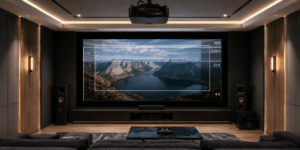
Feature 7: Black Borders
Black borders may seem like a small detail, but they significantly improve perceived image quality.
These borders create visual framing around the projected image, making colors appear richer and contrast levels more impressive.
In addition, black borders help users align projected content correctly and maintain a professional appearance.
Feature 8: Ambient Light Rejection
Ambient Light Rejection (ALR) technology has become increasingly popular in modern projector screens.
Traditional screens perform best in dark rooms. However, ALR screens are engineered to minimize the effects of surrounding light.
Benefits of ALR Technology
Improved Daytime Viewing
Better image visibility in bright rooms.
Enhanced Contrast
Darker blacks and improved shadow detail.
Greater Flexibility
Less dependence on blackout curtains or controlled lighting.
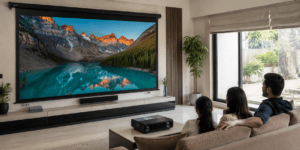
For living rooms and multipurpose spaces, ALR technology can dramatically improve viewing quality.
Conclusion
A projector screen is much more than a simple surface for displaying images. Features such as screen size, material quality, gain, viewing angle, screen type, aspect ratio, black borders, and ambient light rejection all contribute to a superior viewing experience.
By understanding these eight important features, you can confidently choose a screen that matches your projector, room conditions, and entertainment goals. Investing in the right projector screen will help you enjoy sharper images, better colors, and a more immersive viewing environment for years to come.