

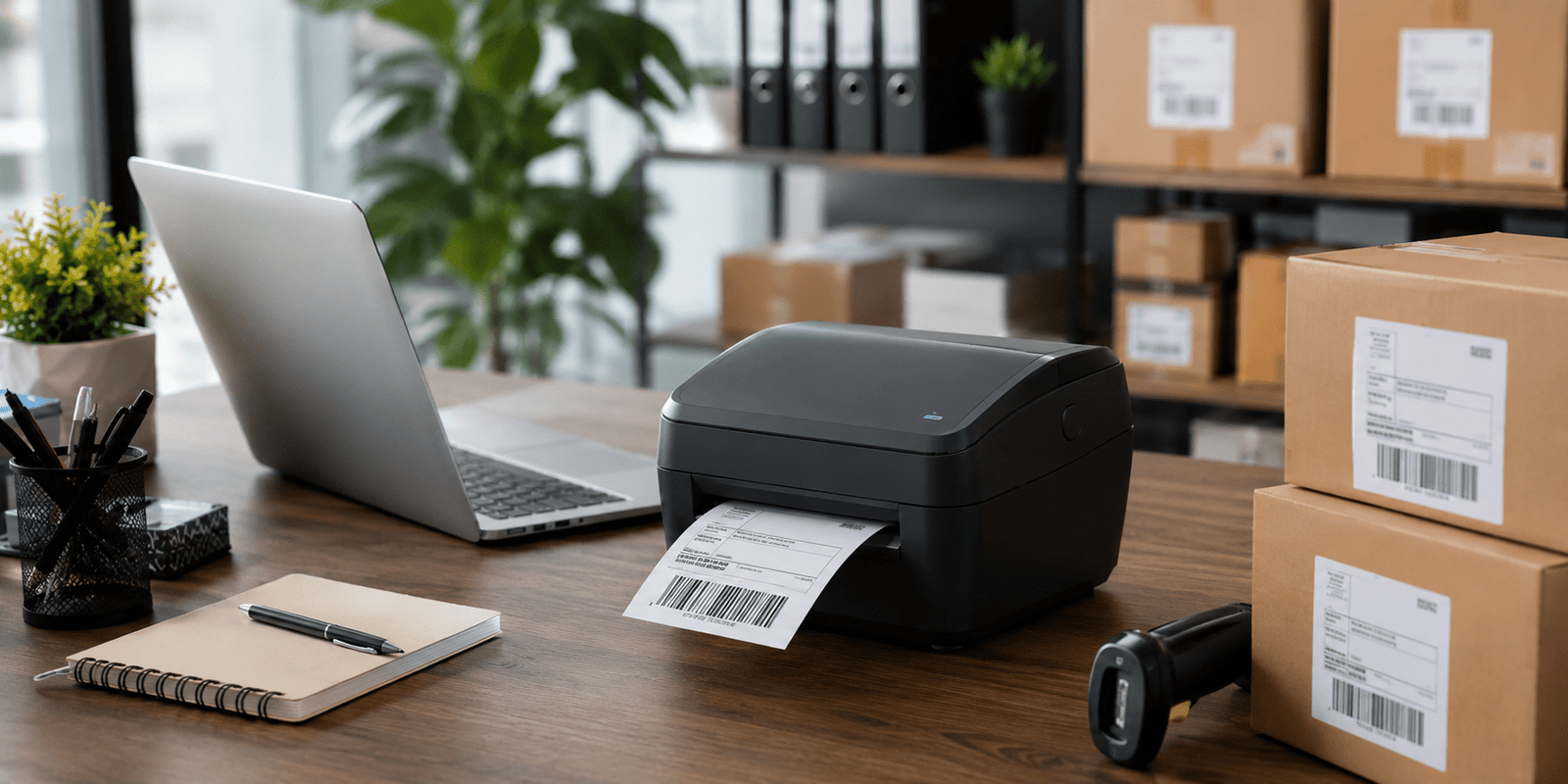
Label printer technology has become an important part of modern businesses. Whether you run a small online store, a retail shop, or a warehouse, a smart printing solution helps improve organization and saves valuable time during daily operations.
Businesses today need faster packaging, accurate shipping labels, and professional product presentation. That is why many companies are now using advanced printing systems instead of traditional printers. These machines are easy to use, cost-effective, and suitable for different industries.
Modern devices also support wireless printing, barcode generation, and thermal technology, making them ideal for businesses that handle large volumes of orders every day.
Why Businesses Need a Label Printer
A label printer helps businesses improve speed and accuracy in different operations. From printing shipping labels to organizing inventory, these devices reduce manual work and improve efficiency.
Online businesses especially benefit from fast printing systems because they handle multiple deliveries daily. Instead of writing addresses manually, businesses can quickly print professional labels with barcodes and tracking information.
Proper labeling also improves organization in offices and warehouses. Employees can identify products faster, reducing confusion and improving workflow management.
Better Shipping Accuracy
Shipping mistakes can affect customer satisfaction and increase return costs. A dedicated printing system ensures clear and readable labels, helping businesses avoid delivery errors.
Improved Brand Presentation
Businesses can print custom product stickers, logos, and packaging labels that create a professional image. Clean packaging always leaves a better impression on customers.

Types of Label Printers
Different businesses require different printing solutions. Understanding the major types helps companies choose the right device according to their needs.
Thermal Label Printers
Thermal printers are among the most popular options for shipping and barcode printing. These devices do not require ink cartridges, which lowers maintenance costs significantly.
They are commonly used by warehouses, courier companies, and online stores because they print quickly and efficiently.
Inkjet Label Printers
Inkjet models are suitable for colorful labels and branding stickers. Businesses that require high-quality graphics and vibrant packaging designs often prefer these printers.
However, ink-based systems usually involve higher operating costs over time.
Wireless Label Printers
Wireless printers support Bluetooth and Wi-Fi connectivity. This feature allows users to print directly from smartphones, tablets, or laptops without cable connections.
These devices are useful for flexible workspaces and modern offices.
Portable Label Printers
Portable models are compact and lightweight. Retail staff, warehouse employees, and field workers often use them for instant labeling tasks while moving around.
Important Features to Consider
Before buying a printer, businesses should evaluate important features carefully to ensure long-term value and performance.
Printing Speed
Fast printing becomes essential for businesses handling high order volumes. A high-speed device helps employees complete packaging tasks more efficiently.
Connectivity Options
Modern devices support USB, Bluetooth, Wi-Fi, and cloud integration. Wireless support improves convenience and allows multiple users to access the machine easily.
Print Quality
Clear barcode and QR code printing is important for inventory tracking and shipping. Poor print quality may create scanning issues and operational delays.
Label Compatibility
Some printers support different label sizes and materials. Businesses printing shipping labels, stickers, and product tags should choose flexible models.
Durability
Strong build quality is important for warehouses and industrial workspaces where machines are used continuously throughout the day.
Label Printer Comparison Table
| Printer Type | Best Use | Main Advantage | Maintenance Cost |
|---|---|---|---|
| Thermal Printer | Shipping & Barcodes | No ink required | Low |
| Inkjet Printer | Color Product Labels | Better graphics | Medium |
| Wireless Printer | Flexible Office Use | Mobile connectivity | Low |
| Portable Printer | On-the-Go Labeling | Compact design | Medium |
Benefits for Small Businesses
Small businesses often work with limited staff and budgets. Therefore, smart office tools can improve productivity and reduce workload.
A label printer allows businesses to print courier labels, inventory tags, and product stickers instantly. This saves time and improves order management.
Lower Operating Costs
Thermal technology reduces expenses because it does not require ink cartridges. Businesses can lower long-term printing costs while maintaining high efficiency.
Faster Workflow
Quick printing helps businesses process orders faster during busy periods and seasonal sales. Employees spend less time on manual labeling tasks.
Better Customer Experience
Professional packaging improves customer trust. Clean labels with accurate shipping details also reduce delivery problems.
Common Business Uses
Modern labeling systems are used across many industries for different purposes.
Retail Stores
Retail businesses use labels for price tags, promotional stickers, and shelf organization. Proper labeling improves product visibility and customer convenience.
Warehouses
Warehouses depend on barcode systems for inventory tracking. Accurate labels improve stock management and reduce operational mistakes.
Healthcare Industry
Hospitals and medical laboratories use labels for patient files, medicine packaging, and test samples. Clear identification helps improve safety and organization.
Food Businesses
Restaurants and food companies print ingredient labels, expiry dates, and packaging details to maintain compliance and improve customer trust.
Maintenance and Usage Tips
Proper maintenance improves printer lifespan and ensures better print quality over time.
Clean the Printer Regularly
Dust and adhesive residue can affect performance. Cleaning the print head regularly helps maintain smooth printing quality.
Use High-Quality Labels
Low-quality labels may jam inside the machine or fade quickly. Businesses should always use compatible materials for better durability.
Update Software
Manufacturers release software updates that improve performance and connectivity. Keeping the system updated ensures smoother operation.
Store Labels Properly
Thermal labels can be damaged by heat and moisture. Therefore, they should be stored in cool and dry environments.

Conclusion
A label printer has become an essential business tool for improving organization, shipping accuracy, and workflow efficiency. From small online stores to large warehouses, businesses use these devices to simplify daily operations and reduce manual work.
Modern printing systems offer wireless connectivity, fast printing speeds, and low maintenance costs, making them a smart investment for growing businesses. Choosing the right device according to your business needs can improve productivity and create a more professional working environment.